Ronin Control
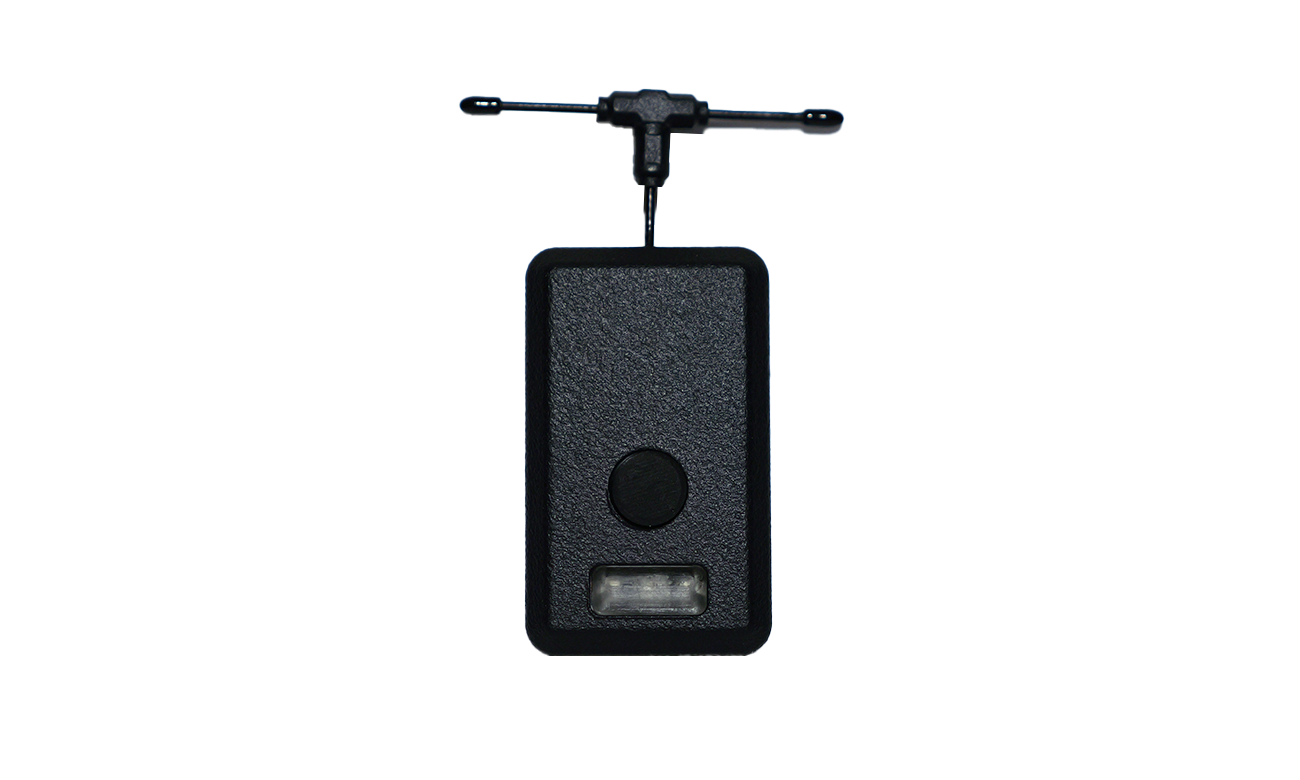
The 'HaloRC Ronin Control' connects wirelessly to any DJI Ronin gimbal and provides a fast and stable control link using any ExpressLRS or Crossfire capable transmitter.
£144.00
(ex VAT £120.00)
Gear Overview
The HaloRC Ronin Control connects to any DJI Ronin RS series gimbal, including the RS Mini models. It receives gimbal and camera commands from your ExpressLRS or Crossfire (CRSF) transmitter via an onboard receiver, and relays them wirelessly to the gimbal over Bluetooth Low Energy (BLE) with minimal latency.
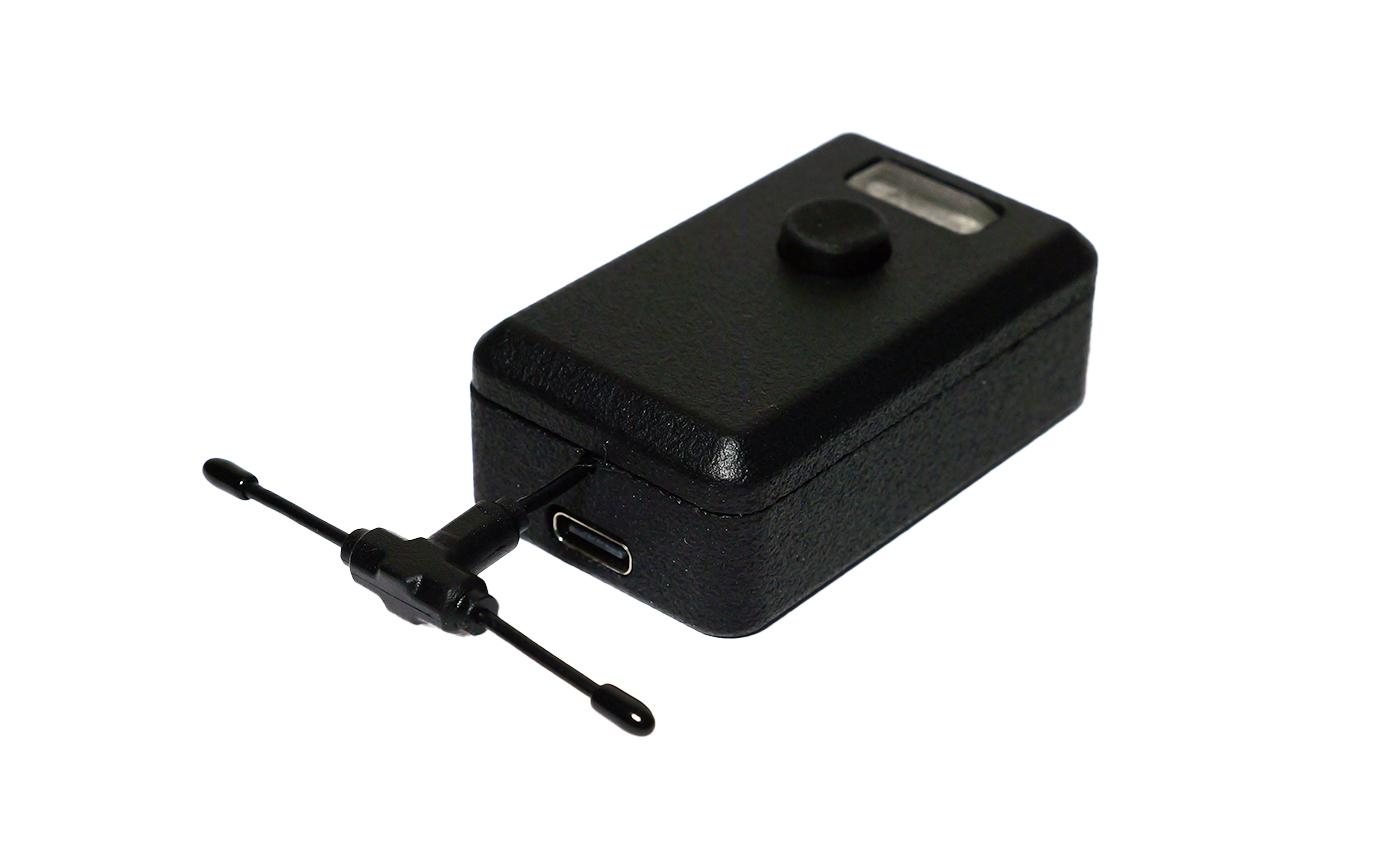
An internal LiPo battery provides over two hours of continuous operation, and can be charged during use. Also featuring a standard 1/4"-20 mounting thread on the bottom, the unit mounts directly onto camera rigs or nearby support gear to maintain an unobstructed Bluetooth link to the gimbal.
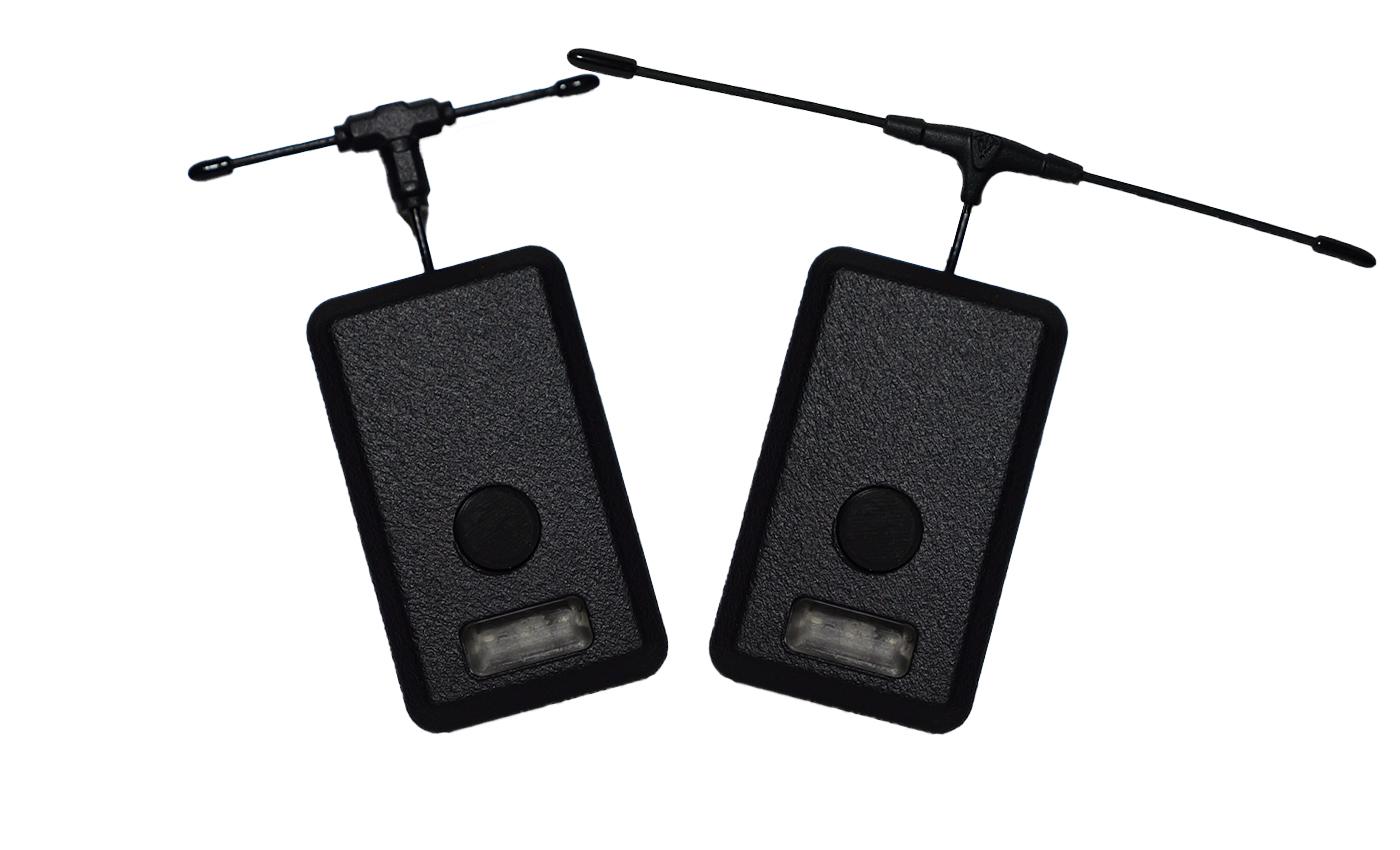
The official DJI Ronin app operates with noticeable control lag, largely due to its software polling and transmission rate. The HaloRC Ronin Control bypasses the app entirely, establishing a dedicated link that transmits directly to the gimbal at a much faster rate, reducing control latency by more than half. Total end-to-end latency is between 22 ms and 26 ms*, delivering predictable stick response.
Beyond the low latency control of the roll, pitch and yaw axis, the Ronin Control supports a full range of hardware commands. Including per axis speed and smoothness adjustment, sleep/wake, lock/unlock, re-centre, focus control (camera or motor) and camera record start/stop.
*When running ExpressLRS at 500Hz packet rate and BLE link is medium to good quality
One of the great features of the Ronin Control is the ability to run fully wirelessly. The internal LiPo battery provides over 2 hours of continuous control, when not sending any control inputs or commands the battery time is vastly extended, and when turned off the battery will remain on standby for over a month.
For extended shoots or just when you have forgotten to charge the Ronin Control, connect 5v over the USB C connector for uninterupted charging. As soon as the battery is charged, the Ronin Control will just be powered from your 5v input.
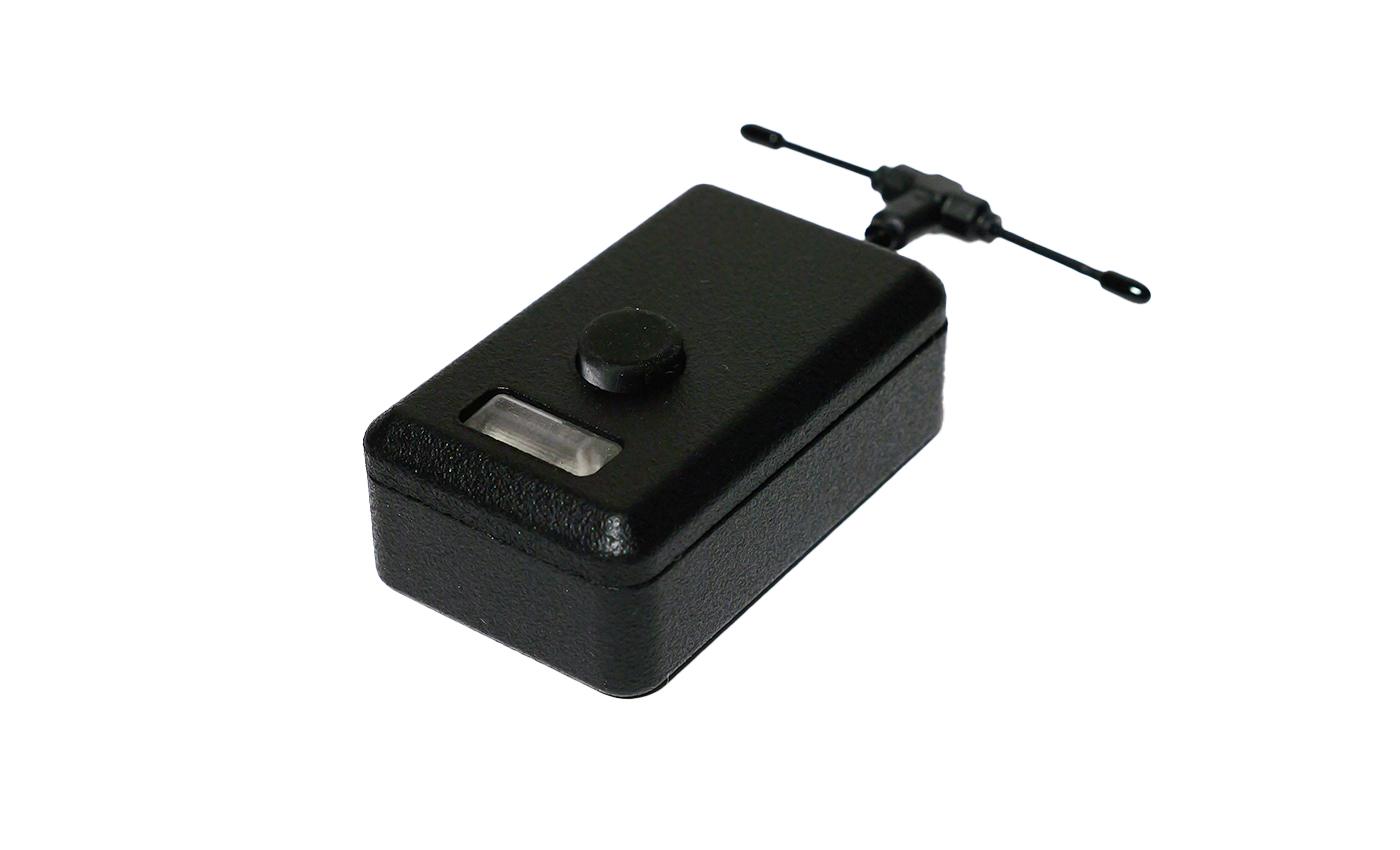
The single button is multifunctional and combined with the status LED's they provide a quick and easy way to use the Ronin Control and see the current status.
A single press powers up the Ronin control and the LED's pulse red until it detects your CRSF connection, the LED's then turn blue and it scans for your gimbal and connects automatically. Solid green LED's means it has established the connection and is in control.
At any time while powered up, you can single press the button to see the current battery life indicated on the LED's, hold down the button to power down, or tripple press the button to enter/exit configuration mode, indicated by yellow LED's. While in configuration mode you can connect to the companion app to setup your control and function channels.
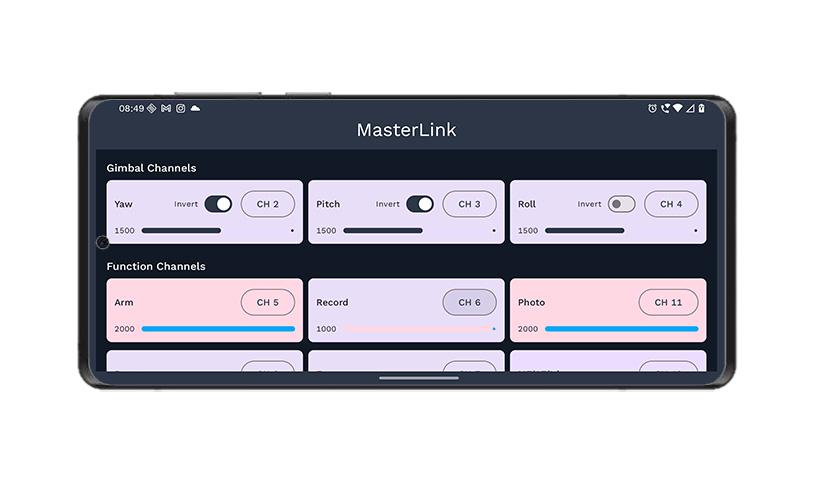
Setting up and fine-tuning the system is straightforward using our companion app for iOS and Android. Easily map control axes and functions to your transmitter channels, or invert any gimbal axis with a single tap.
The app also features a real-time channel monitor, giving you immediate visual feedback on stick inputs and switch positions for lightning-fast bench setup.